
Malware That Bills Your OpenAI Account, 26,400 Live Keys in Public Code, and 32 Fake AI Bots: Your Identity Is the New Attack Tool
The new malware framework can bill AI requests to a victim’s OpenAI account. Photo via Unsplash.
Three cybersecurity stories published today, October 29, share an uncomfortably practical theme: attackers are finding ways to use the victim’s own infrastructure, credentials and trusted identities to do the work.
A new malware framework can route AI requests through an infected computer and, if the operator provides no key, use the victim’s OpenAI API key. A researcher found 26,400 working cloud and AI credentials in public code repositories. And a scanner pretending to be dozens of AI bots tried to pull secrets from enterprise websites.
The common trick is not a magical new AI capability. It is borrowed trust. In these attacks, you may be the attacker’s cloud provider, credential wallet and compute budget.
NIK C2 turns a stolen machine into an AI account
Cisco Talos reported finding NIK C2, a Go-based Windows command-and-control framework observed in the wild. Its implant gives attackers remote access and supports more than 52 commands, including credential theft, browser-data collection, cryptocurrency-wallet theft, Wi-Fi password theft, keylogging, screen capture, surveillance and lateral movement.
The unusual feature is an integrated OpenAI client. An operator can send a prompt and choose a model through the command-and-control panel. The implant makes the request to OpenAI from the infected machine and returns the answer to the attacker. If the operator does not supply an API key, the malware checks the computer for an OPENAI_API_KEY environment variable and uses it instead.
That is more than a clever technical detail. If the victim’s key is used, the victim’s OpenAI account can receive the bill. OpenAI’s access logs can show the victim’s key making the request. The attacker has used the victim’s computer, account and payment method, leaving logs that may initially point in the wrong direction.
The attacker can also send collected material to an AI model for analysis within the same compromised session. This is not proof that the malware has become an autonomous superweapon. It is a useful shortcut for the operator, with the bill and a misleading audit trail potentially left behind for someone else.
Talos also found a screen-locking module that displays ransom demands in Bitcoin or Tether. It does not encrypt files. Talos says that means there are no file-encryption markers or modification timestamps to examine, and that locking a screen is faster to deploy than encrypting a system’s files. For a business, losing access to a workstation can still disrupt operations. For investigators, the missing encryption artifacts remove familiar clues.
Think of it as ransomware’s extortion demand without the usual file-encryption machinery: less leverage than a full encryption attack, but potentially less evidence to work with. A locked screen with no changed files is still an incident.
Talos observed at least three versions of the implant and active infrastructure during its research. It assesses with moderate confidence that NIK C2 is a functioning framework, not just a proof of concept. Its warning deserves attention: NIK C2 reshapes adversary tradecraft “by collapsing collection and exploitation into a single continuous session, effectively erasing the offline processing delays that historically granted defenders critical detection windows.”
In plain English, defenders used to have a chance to spot a compromise while attackers collected data, then paused to process it elsewhere. This framework can shorten that pause. The detection window itself is becoming a casualty.
26,400 working credentials were found in public repositories
Independent researcher Ben Zimmermann reported scanning 7,256,531 public repositories on Gitee, a major Chinese code-hosting service, with two secret-scanning tools. His research, published with MongoDB’s Kingfisher team, found 26,400 unique credentials that still worked when tested.
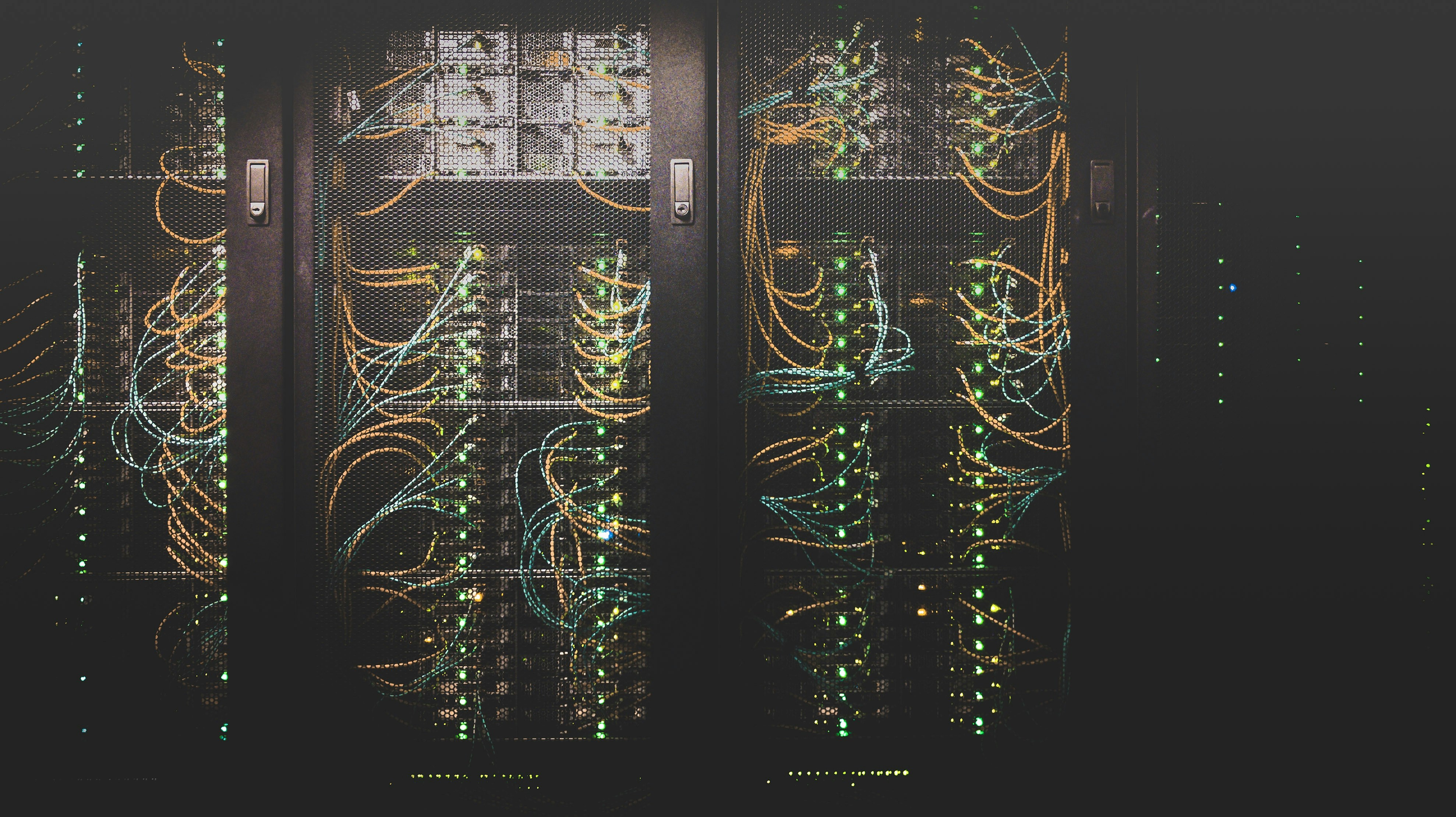
The Gitee scan found 26,400 credentials that still worked when tested, including keys buried in repository history. Photo via Unsplash.
Among the credentials were 9,473 Alibaba Cloud access-key pairs, 3,805 YouTube API keys, 3,170 DeepSeek keys, 1,489 Zhipu BigModel keys and 1,348 OpenAI keys, alongside smaller counts of other cloud and developer credentials. One was an active organization-admin credential for a major enterprise AI platform. Nearly half of the credentials came from commits dated 2025, though some dated back to the late 2000s.
The method matters. The scanners, TruffleHog and Kingfisher, checked each candidate credential against its provider, rather than counting every string that merely looked like a key. They also scanned full commit histories. A developer could remove a key from the latest version of a project and still leave it recoverable in an older commit.
The tools found different credentials. TruffleHog identified 12,737, Kingfisher 14,664, and only 1,001 were found by both. In this scan, each tool by itself found roughly half the total. Kingfisher identified all 1,489 BigModel keys because TruffleHog did not have a detector for that service. The practical lesson for IT teams is simple: a single scanner may be missing secrets from services your developers actually use.
Zimmermann compared the reported credential density with earlier public scans of GitLab and Bitbucket, but the methods were not identical, so those comparisons are useful context, not a perfect apples-to-apples ranking. More importantly, he said the scan dates were not specified, he had not contacted the developers who exposed the credentials, and revocation had not been confirmed when he published. There was no confirmation that criminals had used the keys. But a key that worked when tested should not be assumed dead now.
Deleting a key from code, or rewriting repository history, does not invalidate it. The key must be revoked or rotated with the provider. OpenAI warns that a compromised key can lead to unauthorized quota use, unexpected charges and interrupted access. A Google Cloud YouTube API key may also work with other APIs if it has not been restricted.
The bot’s name is just a string
A separate investigation tracked one actor cycling through roughly 32 claimed AI bot identities, including names associated with OpenAI, Anthropic, Meta and Perplexity. According to CSO’s report and Cequence’s research, the scanner targeted enterprise websites across financial services, retail, telecommunications, energy and software from at least late September through late October.
It was not browsing pages in a normal way. It requested roughly 90 file paths commonly associated with secrets, including .env configuration files, cloud credential files, private SSH keys and server environment data. It sent bursts of 50 to 190 requests in about eight seconds and used more than 300 cloud addresses in one day. Static IP blocklists are a poor fit for an operation that changes addresses this quickly.
On one October day, the actor reached 48% of Cequence-protected organizations that saw any AI bot traffic. Nearly all of the requests were blocked or failed. Cequence did not report a breach.
The identity lesson is straightforward. As Black Duck’s Collin Hogue-Spears put it, “The user-agent header is where a visitor names itself, and setting it costs nothing.” A bot saying “I am OpenAI” in a request header is not proof that it is OpenAI. Any organization that allows an AI crawler based only on that self-reported label is trusting the very mechanism this scanner was testing.
Verify crawlers through published address ranges, signed requests or direct integrations. Keep secrets out of web-accessible directories. Alert on bots requesting credential paths, whatever name they claim. And judge automated traffic by behavior, not branding.
What ties these stories together
NIK C2 uses a victim’s machine and potentially their AI key. Public repositories expose working credentials that can grant access to someone else’s cloud or AI account. The fake-bot campaign borrows the trust that legitimate crawlers have earned. In each case, the attacker tries to make the victim’s identity and infrastructure do the work.
That complicates attribution. A log showing a request made with your key is useful evidence, but it does not necessarily tell you who controlled the request. Security teams need to treat logs as evidence to investigate, not as the final answer. That includes auditing environment variables and local key stores with the same care given to passwords.
The wider lesson is not that every AI service is compromised, or that every exposed credential has been abused. Today’s reports do not establish mass successful compromise across these campaigns. The malware’s AI feature is an operator convenience, not a superweapon. Many Gitee credentials were discovered by researchers, and the bot scanner’s requests mostly failed. The danger is real, but the sky is not falling. What is falling is the margin for error in identity hygiene.
One related development: CISA added the Fragnesia Linux kernel flaw, CVE-2026-46300, to its Known Exploited Vulnerabilities catalog on Wednesday and warned it can be chained with PHP2Shell to implant webshells and run commands as root. Federal agencies have a November 10 deadline to patch. This is the other half of the Dream-documented attack chain covered in our October 28 PHP2Shell deep-dive.
A practical checklist for IT and security teams
- Inventory every place AI provider keys live, including
OPENAI_API_KEYvariables on Windows systems, developer laptops and CI environments. - Rotate credentials that have ever appeared in a repository, public or private. Rewriting history is not revocation.
- Set spend limits and anomaly alerts on AI and cloud accounts. Unexpected usage may appear in billing data before it appears in a security alert.
- Verify AI crawlers through published address ranges, signed requests or direct integrations. Do not trust a user-agent label by itself.
- Keep secrets out of web-accessible directories, and alert when automated traffic requests
.envfiles, SSH keys or credential paths. - If you use one secret-scanning tool, consider adding another. Confirm that your scanners recognize the services and providers your teams use.
- Hunt for reverse SSH tunnels and screen-lock behavior. NIK C2’s screen locker does not need to leave file-encryption artifacts to disrupt a workstation.
- Patch Linux systems to a kernel version that includes the Fragnesia fix, or apply your vendor’s backport, following CISA’s guidance and deadlines.
- Extend least privilege to AI agents, API keys and service accounts. Replace long-lived local credentials with centrally managed secrets where possible.
For more practical technology coverage, visit TechTime Radio, browse episodes, listen live, or read more on the TechTime blog.